Patient Resources
Your secure ModMed portal — see your visit notes and test results, message your care team, request refills, and keep your information current, anytime.
Our patient portal is powered by ModMed (Modernizing Medicine), the secure system our office uses for your medical record. It gives you round-the-clock access to your own information — no phone tag, no waiting on hold.
Opens the secure ModMed sign-in in a new tab.
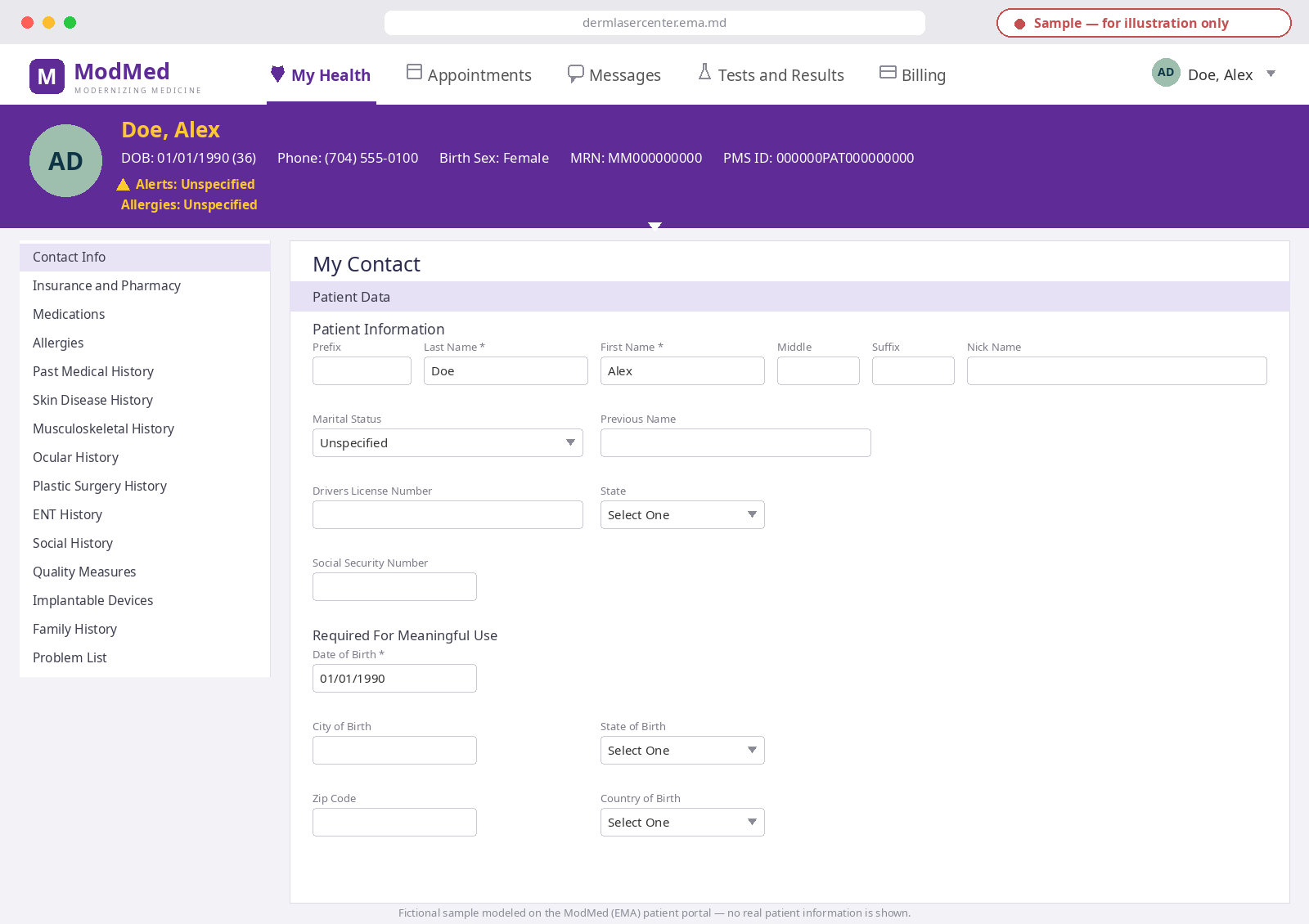
After a visit, your visit notes and any educational handouts your provider shared are posted to your account. Test results — including pathology (biopsy) reports — appear there too, once your provider has reviewed and released them.
Send a secure message (the portal calls them Intramails) with follow-up questions between visits, and read your provider’s replies in the same place. Portal messages are for non-urgent questions — for anything urgent, call the office, and in an emergency always call 911.
Ask for a refill of your current medications right from your account — no need to call during office hours.
Review and update the details your care team relies on: your current medications, allergies, medical and surgical history, skin disease history, and family history. You can also check the contact and insurance information we have on file, and set your preferred pharmacy.
Your problem list shows your diagnoses, each with an information sheet that explains the condition — a helpful reference between visits.
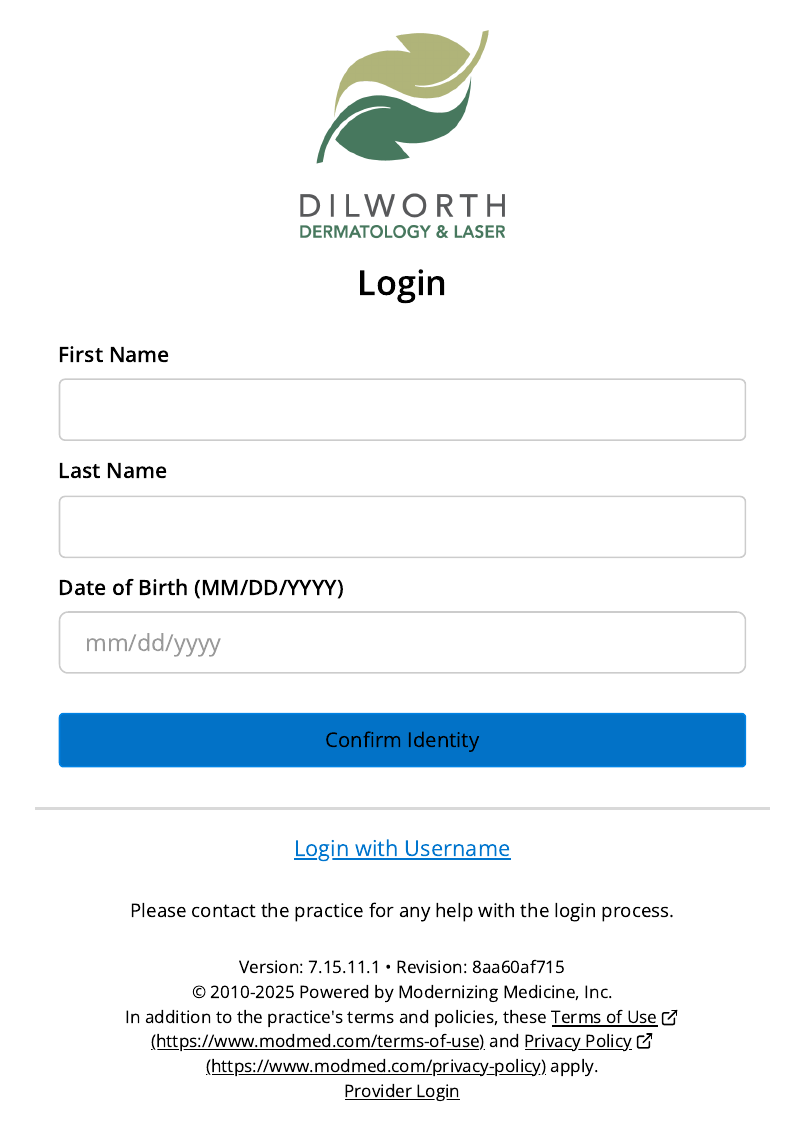
The portal is for your records and messages. To book a visit, use our online booking or call (704) 376-9849. To pay a bill, use our secure online bill pay.
Questions about the portal, or trouble signing in? Call us at (704) 376-9849 and we’ll walk you through it.


